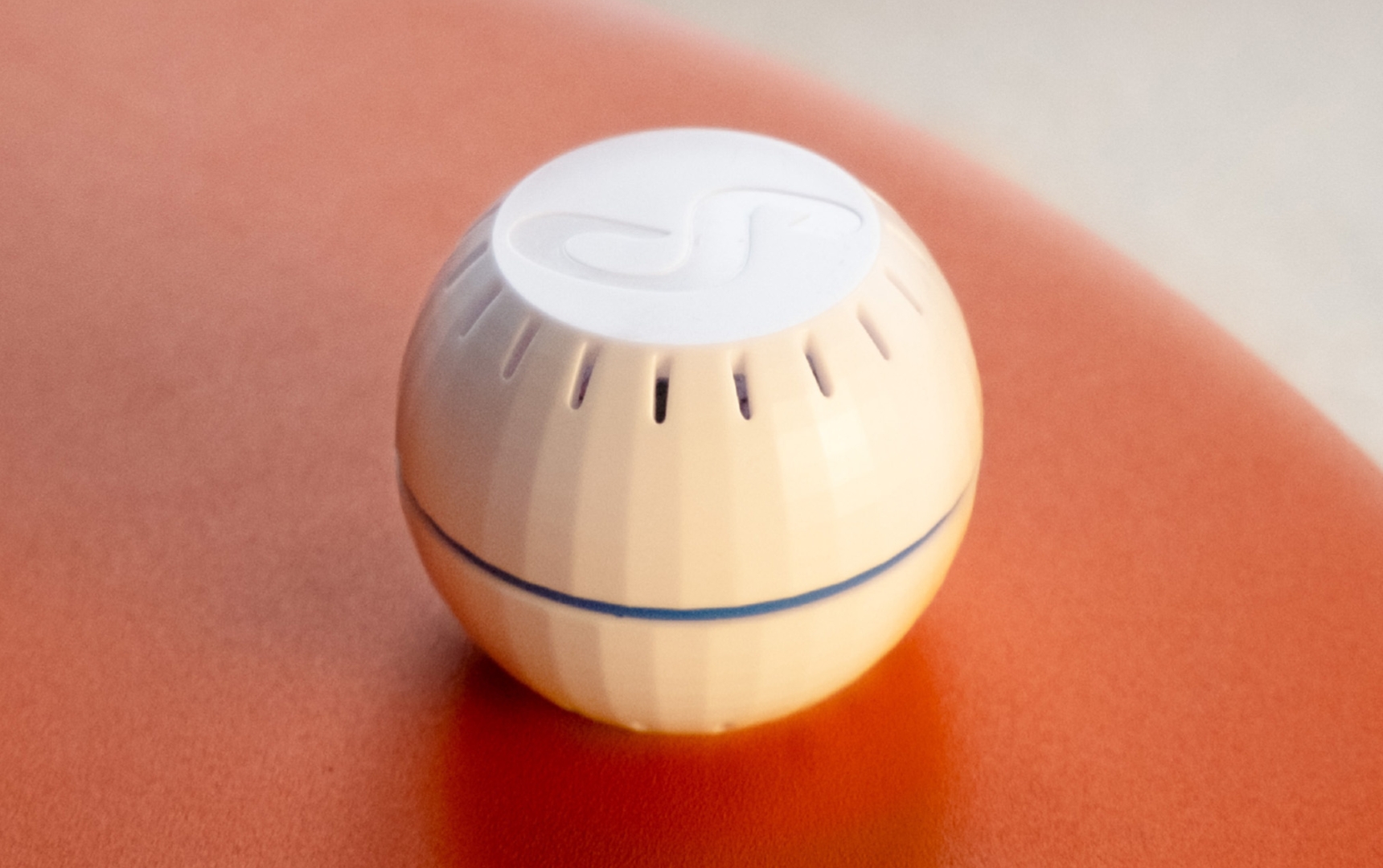
 Resetting the wireless thermostat sensor can be helpful when setting up a room in the Boldr Energy app. A reset prompts the sensor to re-broadcast its Wi-Fi signal, making it easy to pair your Boldr device again during setup.
During initial setup, the sensor can be connected with a single press of the button.
If the sensor has already been set up, disconnecting it from the app will reset it. Physically pressing on the button on the sensor once will allow it to reconnect.