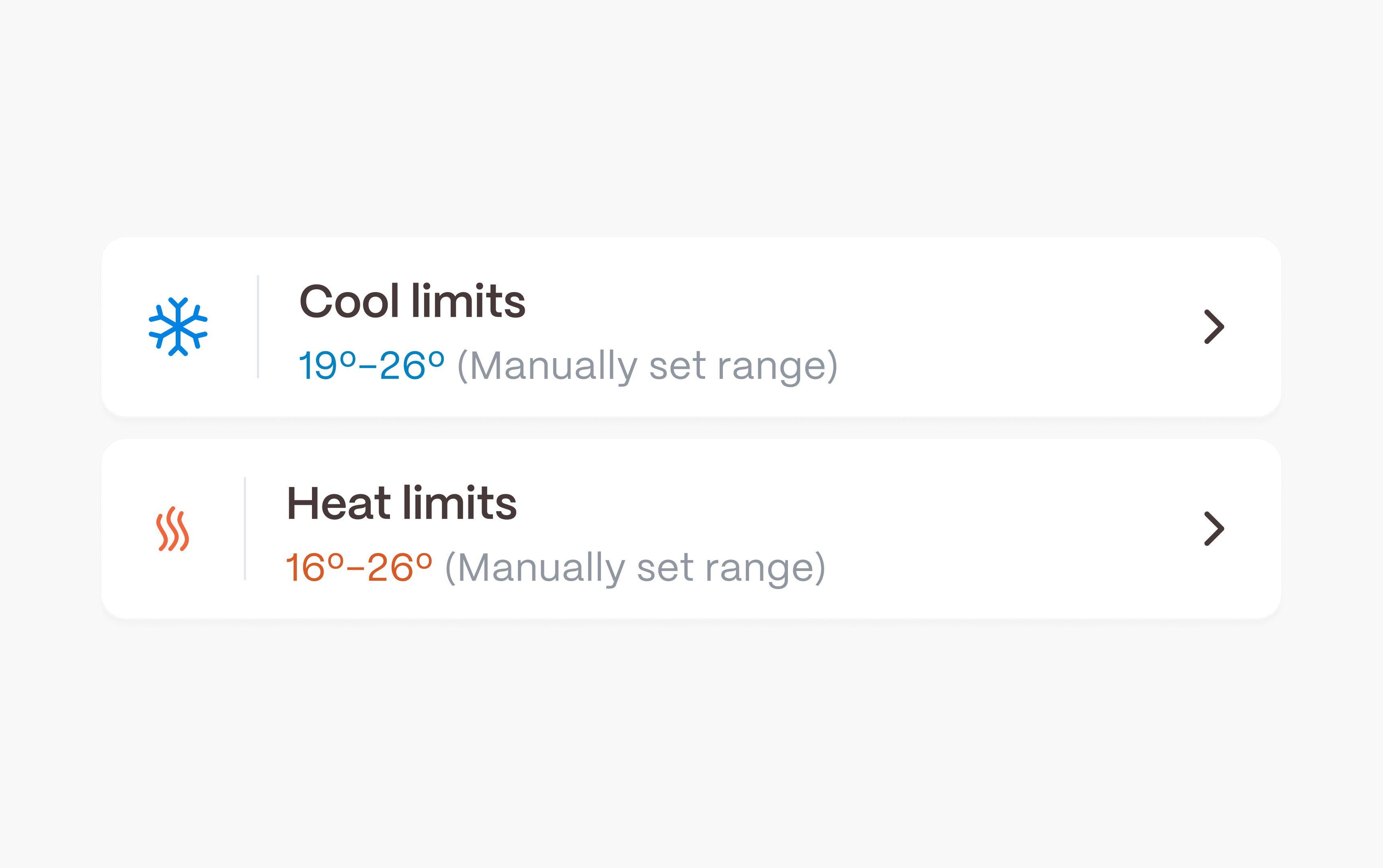
Through the Boldr Energy app, you can set maximum and minimum temperature limits for your A/C or heat pump.
This feature helps prevent rooms from becoming too hot or too cold, reducing excessive energy consumption. It is especially useful for large households or Airbnb owners who want to maintain a comfortable and cost efficient environment.
This smart feature allows you to set temperature locks for your device. Whether it’s family, roommates, or guests, everyone can adjust the device within the limits you set. This ensures comfort while preventing unnecessary overuse of your appliance.
How to Add Temperature Limits
- Open the Boldr Energy app.
- At the bottom of the dashboard, click on Settings.
- Scroll down, tap on Temperature Range Lock.
- Click on the toggle to turn it on.
- Now, click on the room you want to add temperature locks to.
- Once you have chosen the room, you can add maximum and minimum heating and cooling limits.
- Adjust the temperature limits to your preferred settings and you're done!
Why the Temperature Limits Feature Is Important
- Prevents Overheating or Overcooling – Ensures rooms stay within a comfortable temperature range.
- Reduces Energy Waste – Helps lower energy bills by preventing unnecessary heating or cooling.
- Ideal for Shared Spaces – Useful for households with multiple members or rental properties to avoid excessive temperature adjustments.